
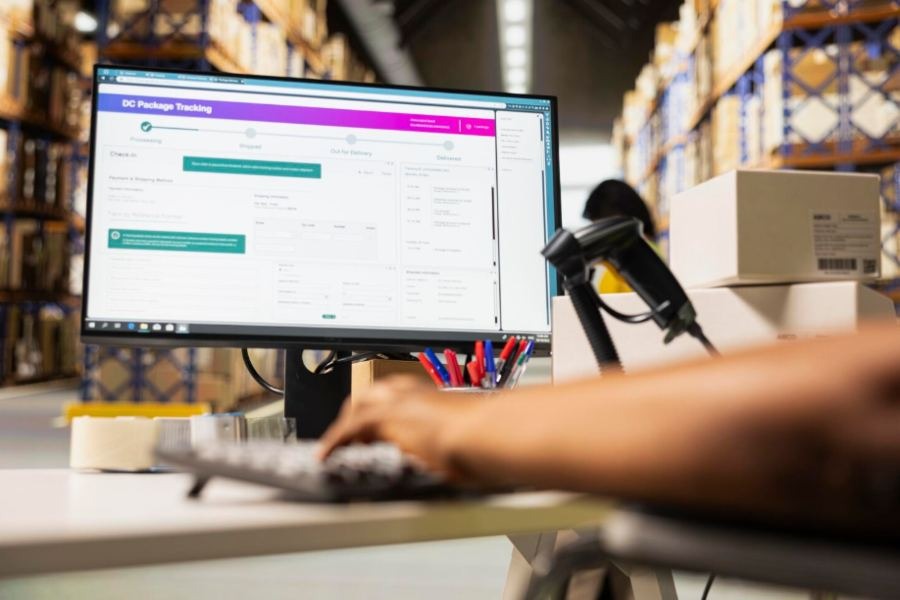
Building a custom content management system gives you total control over your digital storefront. You get to design the exact user experience your customers want. However, tracking products manually behind the scenes quickly leads to major shipping delays. Connecting your stock data directly to your frontend platform fixes this issue completely.
Why Connect Your Systems?
Keeping your store data separate from your warehouse records causes constant friction. A customer might buy an item that actually sold out an hour ago. This mistake hurts your reputation and forces your team to process annoying refunds. Integrating your tools provides inventory visibility to your supply chain partners.
Automating the data flow eliminates human error and saves hours of manual entry. Your team can focus on growth instead of fixing typos on spreadsheets. Having precise counts helps optimize your inventory to meet availability goals without overspending on warehouse space.
Mapping Your Core Workflows
A successful integration requires clear data pathways for every transaction. When a user buys an item, your platform must tell your inventory management software to hold that stock immediately. For example, Statii stock control tracks these changes to keep your operations running smoothly. This rapid adjustment prevents another buyer from purchasing the exact same item.
When your warehouse team receives new boxes, the system should update your website automatically. This automated flow keeps your digital catalog fresh without extra administration. Your business can run smoothly without constant oversight.
Choosing an API Architecture
Modern setups rely on application programming interfaces to send data back and forth. You should ensure your tools support modern RESTful APIs for total ease of communication. This method creates a secure bridge where your website requests updates automatically.
Using APIs keeps your frontend system lightweight and fast. Your website only asks for information when it absolutely needs to. This framework ensures your custom platform can handle major traffic spikes without crashing.
Establishing Real-Time Webhooks
Relying entirely on manual updates or constant server requests drains your bandwidth. Webhooks fix this issue by pushing updates only when stock changes. For example, the system pushes data instantly when a new shipment arrives.
This event-driven setup keeps your online store accurate around the clock. Your customers will never see outdated stock counts during busy shopping holidays. Instant updates give your customer support team answers they can trust.
Structuring the Relational Database
Your custom platform needs a solid foundation to store incoming warehouse metrics. You can structure a relational database to power your application efficiently. This database links your unique web pages to specific physical items in your warehouse.
- Your database requires specific keys to match product pages with internal serial numbers.
- You can include custom fields for tracking multi-warehouse support and restocking alerts.
- Connecting your data properly creates a beautiful and functional frontend interface for your users.
Connecting Diverse Data Sources
Your business might rely on multiple channels to manage day-to-day operations. You can sync inventory counts and SKUs from Google Sheets, SQL, and other sources easily. Gathering this information into one hub protects your business from data fragmentation.
Using a spreadsheet-like interface makes it simple for your warehouse staff to update counts. They do not need advanced technical training to keep the system accurate. Clean data entry keeps every department aligned.
Managing Common Integration Pain Points
Merging two independent software platforms often uncovers hidden technical hurdles. Fragmented systems can hinder seamless integration across platforms if you do not plan carefully. Inadequate real-time updates also cause massive stock discrepancies that frustrate buyers.
- Security concerns regarding data storage require strong encryption methods.
- High traffic can slow down your page speeds if your platform requests data too often.
- Network drops can cause failed sync attempts during busy hours.
Securing Your Data Connections
Protecting your internal corporate data must remain a top priority throughout this process. You can connect your system with a variety of software critical for your business using secure data tools. These tools shield your database from external threats and bad actors.
Never expose your master credentials inside your frontend website code. Use secure server-to-server calls to keep your warehouse numbers private. Safe connections protect your financial reports from unauthorized changes.
Building a Fast Caching Strategy
Pulling live warehouse numbers every time a page loads will slow down your website. Slow loading speeds damage your search engine rankings and drive users away. Caching your stock numbers solves this performance issue.
Your platform can save the stock count and refresh it every few minutes. Only verify the live count when a user adds an item to their cart. This strategy keeps your website fast while ensuring order accuracy.
A connected platform allows your business to scale without adding administrative headaches. Automating your warehouse data keeps your customers happy and your team organized. Making this technical upgrade sets your business up for long-term operational success.